


An Introduction to Media Creation
Get Inspired
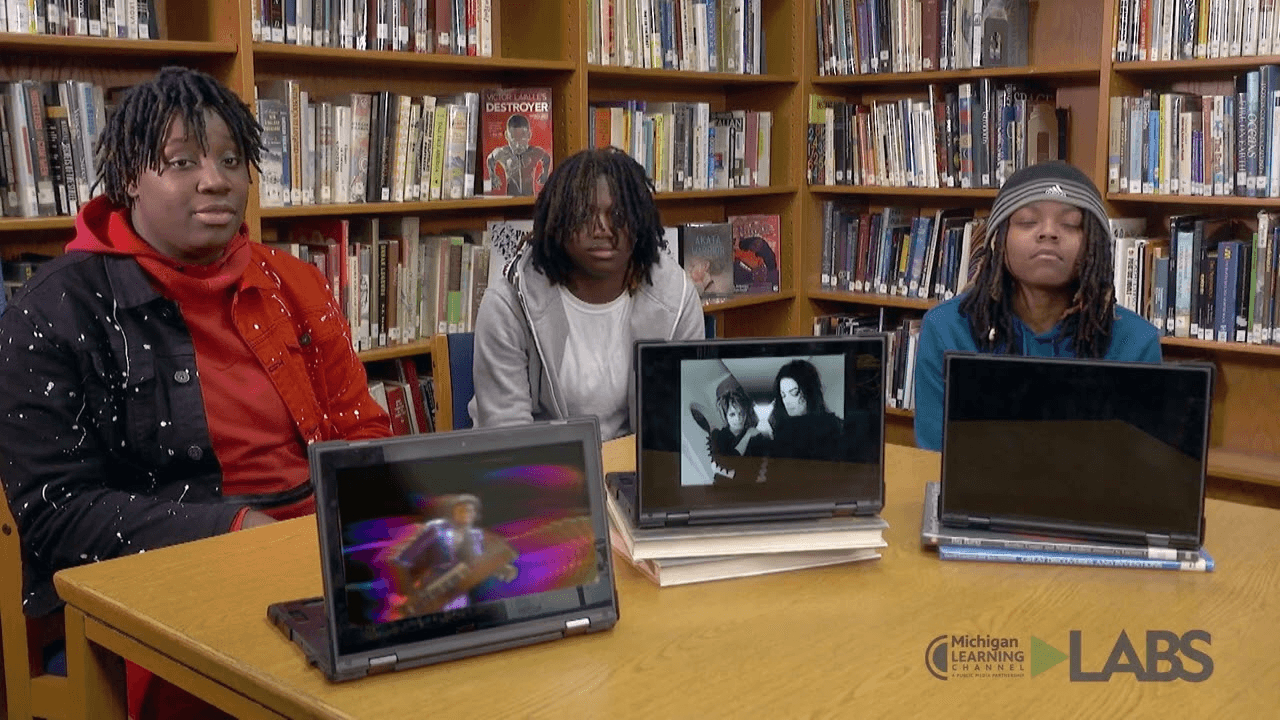
How will media-based learning tie into your existing curriculum? What will your students learn?
We help make these questions approachable with our Media Activity Deck. It’s full of ideas for analyzing and creating media that can tie into any subject. From cooking shows to news broadcasts, podcasts to music videos, there’s something for every skill level and age range to try.
Build a Foundation
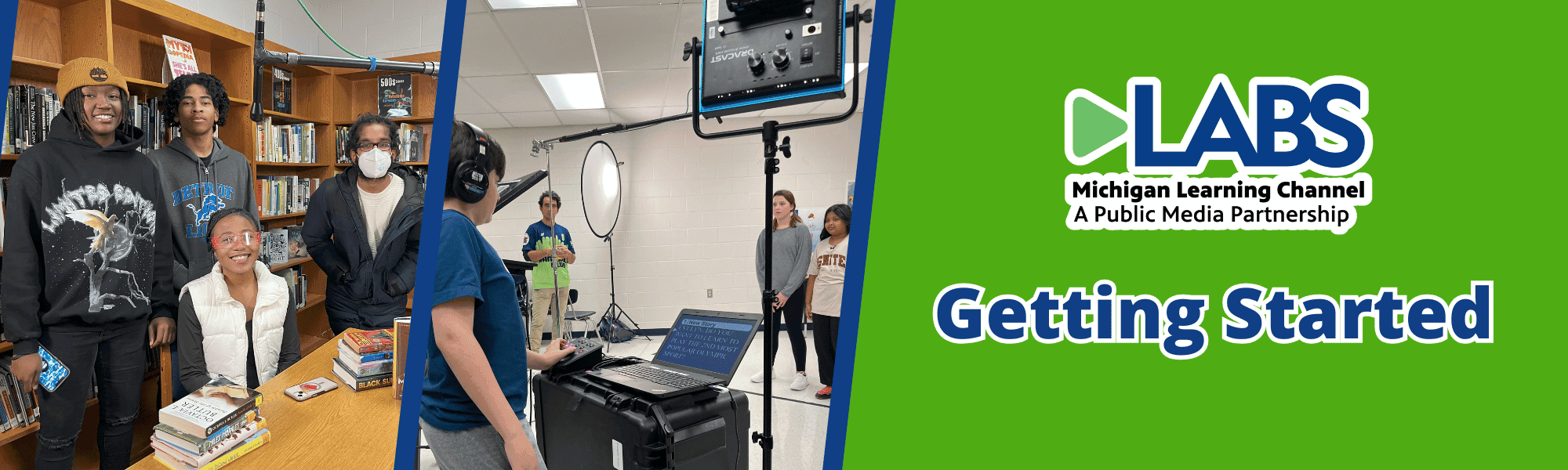
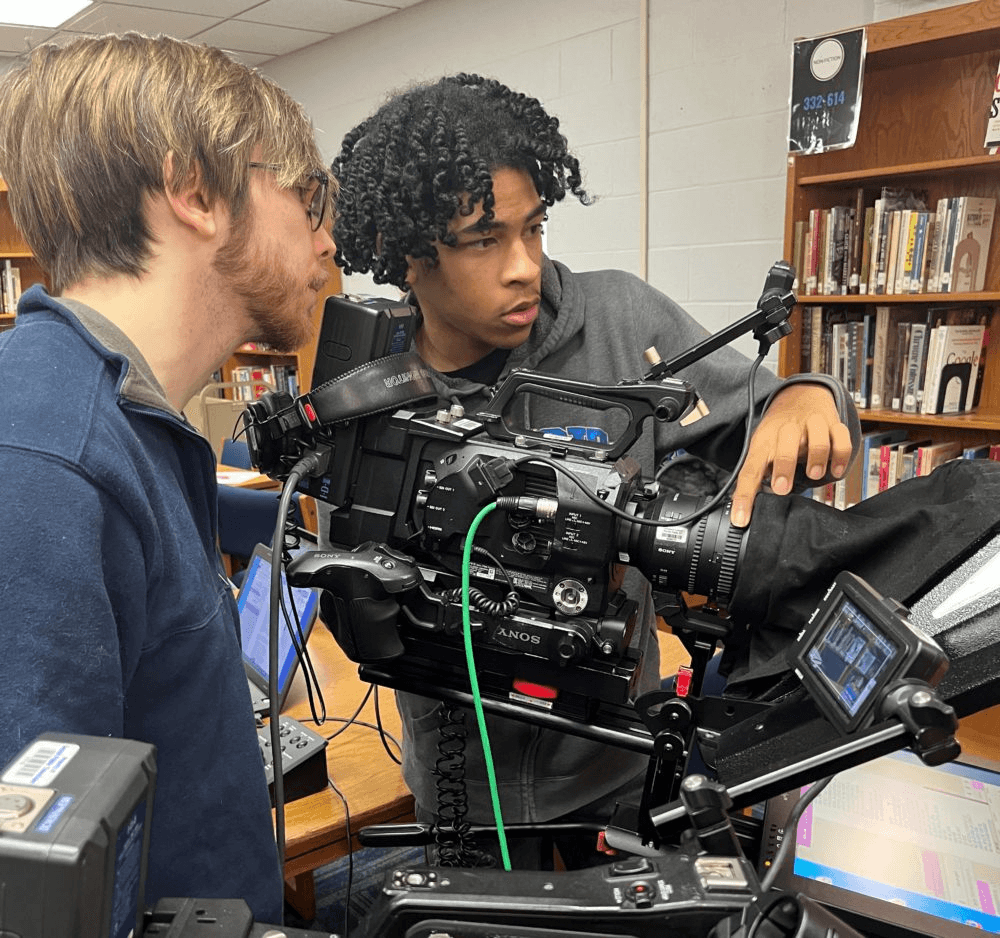
Learning industry terms and procedures will help your group of young directors, editors, and actors stay focused and confident.
PBS NewsHour’s Student Reporting Labs tutorial series shown here is a great place to learn best practices for camera operation, lighting, and audio. For more tutorials and advice, visit KQED’s Media Making Toolkit and StoryMaker’s Find Your Story module, Storytelling Formats collection, and Quick Guide to Video Production.
Choose Your Tools
Adobe Express: Use free video themes with fonts, transitions, and color scheme that tie your clips together into a compelling video.
WeVideo: Video editor with tools like a screen recorder, green screen. Plus free stock images, video, and music.
Anchor by Spotify: Create podcasts for free and publish to Spotify and other platforms in a breeze.
Soundtrap: Create music and podcasts and switch easily between internet-enabled devices.
Audacity: A free and easy-to-use multi-track audio editor and recorder for Windows, macOS, GNU/Linux and other operating systems.
Get Started
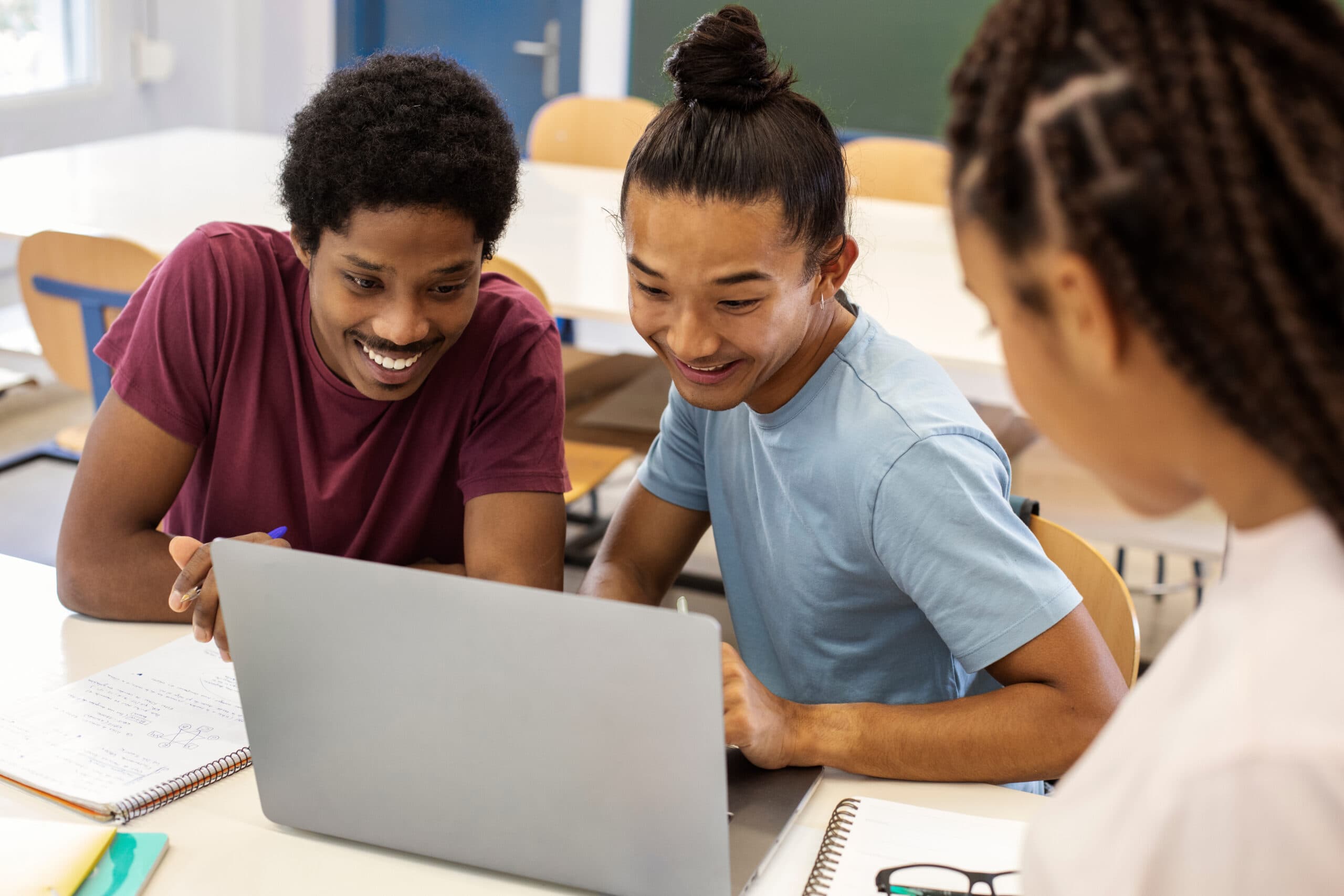
Now it’s time to start experimenting. Think about what is needed for your project: recording equipment, a full script or list of interview questions, and people to go in front of and behind the camera. Then it’s time to start rolling!
Remember to have a plan to save your videos somewhere they can be easily accessed like a phone, a cloud-based service like Google Drive, or a device like a USB stick.
Share Your Project
The options for publishing your media are as plentiful as the creation tools. Make sure the platform has privacy settings that meet your needs. For example, YouTube allows users to choose if a video is visible to anyone, to people with a special link, or only to the account owner.
We want to see your creation! Email connect@michiganlearning.org and we can chat about how to showcase your work. We’d love to include your creation in our growing Youth Media Collection!